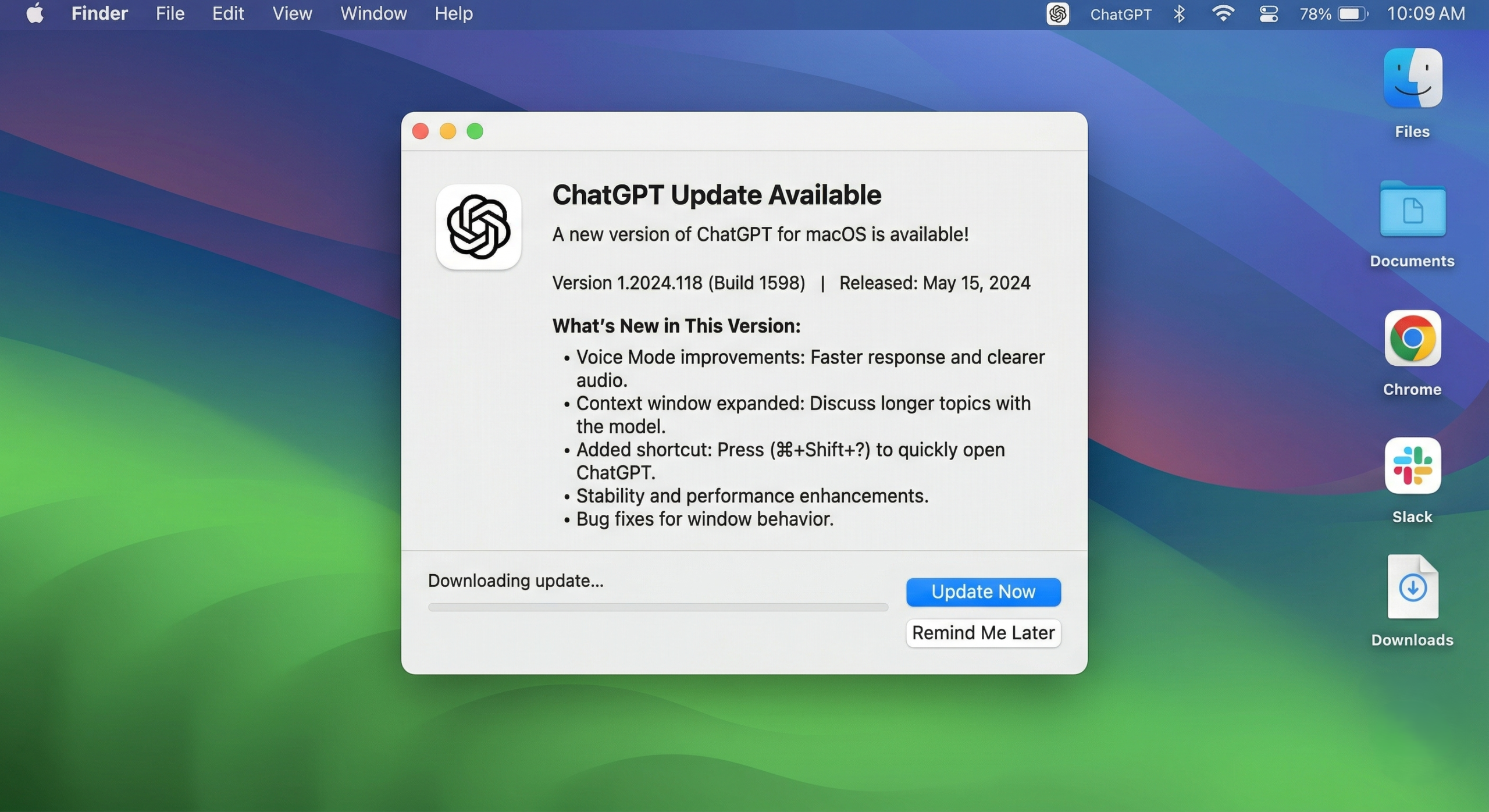
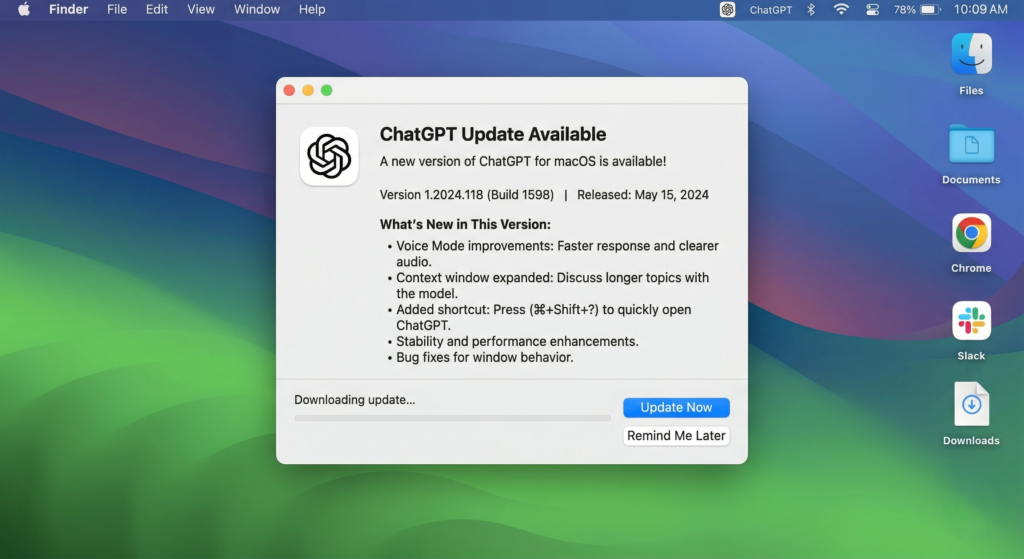
If you’re using the Mac desktop version of ChatGPT, you’ve likely seen a persistent notice lately: “Please update the app.” While we usually hit “remind me later” on software updates, this one is different. Recently, OpenAI announced that all macOS users must update to the latest version due to a security certificate rotation. It’s not just a bug fix or a shiny new feature—it’s a vital move to keep your AI workspace safe. Think of it like a locksmith coming over to change your house locks because the old master key might have been compromised. You don’t have to do it today to keep the door shut, but you’ll sleep a lot better once it’s done.
Let’s break down exactly what’s happening, why OpenAI is being so vocal about it, and how you can stay protected.
💡 What You Will Learn
- The “Why”: Why OpenAI is forcing this update now.
- Security Certificates 101: A simple explanation of how your Mac trusts software.
- Safety Steps: How to update without falling for fake “download” traps.
- The Deadline: When the old versions of ChatGPT will stop working.
What Did OpenAI Actually Announce?
OpenAI shared a public notice (including a loud-and-clear post on X) stating they are updating their security certificates for all macOS applications.
This update isn’t just for the ChatGPT app you use to write emails; it also affects other OpenAI tools like Codex and Atlas.
The goal is simple: To prevent “bad actors” from creating fake apps that look like the real deal. By refreshing their security credentials, OpenAI is making it much harder for scammers to trick your computer into running malicious software disguised as ChatGPT.
Why This Update Matters (The “Fake App” Problem)
In the world of AI, popularity breeds copycats. Because millions of people use ChatGPT, scammers are constantly trying to build clones. These “fake apps” often look identical to the real OpenAI software but are designed to steal your data or install malware.
By updating their certificates and requiring you to move to the newest version, OpenAI is essentially “resetting” the trust.
| Pros of Updating | Cons of Staying on Old Version |
| Guaranteed Authenticity: You know the app is really from OpenAI. | Security Risk: Potential for fake apps to mimic older versions. |
| Continued Support: Get the latest features and bug fixes. | App Failure: Old versions will stop working after May 8, 2026. |
| Proactive Protection: Stops supply-chain attacks before they hit you. | No Support: You won’t receive any more security patches. |
🛠 Technical Corner: What is a Security Certificate?
Think of a Security Certificate as a digital passport for software. When you download an app, your Mac doesn’t just open it blindly. It looks for a digital signature—a “stamp of approval”—from the developer (in this case, OpenAI).
- Identity: It proves the app was actually built by OpenAI.
- Integrity: It proves the code hasn’t been tampered with since it left the factory.
- Safety: It tells your Mac, “This developer is trusted; it’s safe to run this.”
In this specific case, OpenAI identified a potential issue with a third-party tool called Axios that helps them build their apps. While they found no evidence that any user data was stolen, they decided to “rotate” (change) their certificates out of an abundance of caution.
Wait, what about my data? OpenAI has been very clear: Your passwords, API keys, and chat history are safe and were not affected by this incident.
How to Update Your Mac App Safely
When dealing with security updates, where you get the update is just as important as the update itself. Follow these two safe paths:
1. The In-App Updater (Easiest)
Open your ChatGPT app on your Mac. Usually, a pop-up will appear automatically. Click “Update” and let the app handle the rest. This is the safest method because the app is communicating directly with OpenAI’s servers.
2. The Official Website (Manual)
If you don’t see the pop-up, go directly to OpenAI’s official download page.
- Warning: Never download an “update” from a link sent to you in an email, a random ad, or a third-party “freeware” site. These are the exact fake apps OpenAI is trying to protect you from!
📅 The May 8th Deadline
This isn’t an optional update forever. OpenAI has set a deadline: May 8, 2026.
After this date, older versions of the app signed with the old certificate will lose support. They might stop opening entirely, or you’ll find that new messages won’t send. Marking your calendar now is a good idea, but updating today takes less than 60 seconds.
Final Thoughts: AI Infrastructure is Maturing
We usually talk about AI in terms of “How smart is it?” or “What can it build?” But this update is a sign that the industry is growing up. Large companies like OpenAI are now focused on Platform Integrity.
Good security is often invisible—it works quietly in the background so you can focus on being productive. Taking a moment to update your app ensures that your AI tools remain a safe space for your ideas.
GIPHY App Key not set. Please check settings